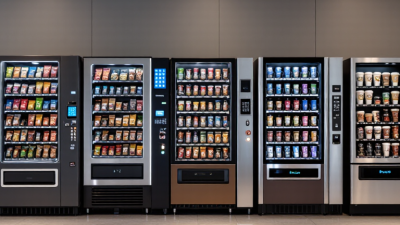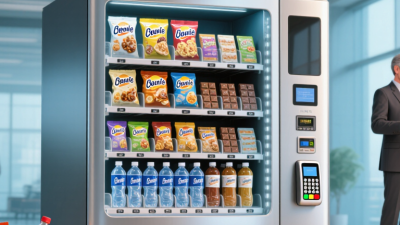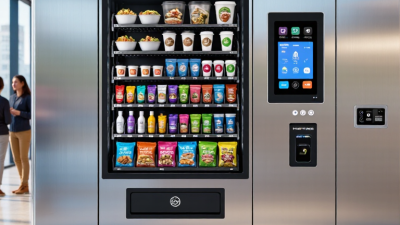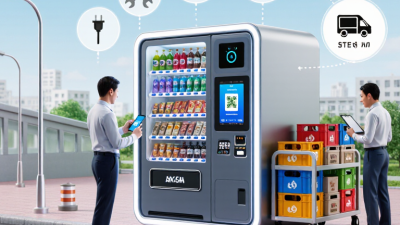
Choosing smart vending machines is less about buying the newest screen and more about matching technology to real customers, products, and daily operations. A machine beside a busy office lift has different needs from one serving a quiet hospital corridor. Payment options, reliable connectivity, inventory visibility, and clear product displays all matter. Small details matter.
Vending technology consultant Daniel Mercer puts the decision plainly: “A smart machine should make buying easier and restocking more predictable—not simply add another screen.” Use that idea to guide the ten tips ahead. Look closely at product capacity, cashless payment support, remote monitoring, software integration, security features, maintenance access, and supplier service. Ask for a live demonstration. Check how the machine handles a failed payment or a dropped connection. These moments reveal more than a polished brochure.
The right smart vending machines can reduce manual checks and help operators respond faster to changing demand. But technology is not magic. Sensors may misread stock, dashboards can overwhelm staff, and a connected machine still needs careful upkeep. I would not assume that every advertised feature pays for itself. Compare total operating costs, request references from similar sites, and test the user experience with actual customers before committing. A practical choice may be less impressive at first glance—and better over time.
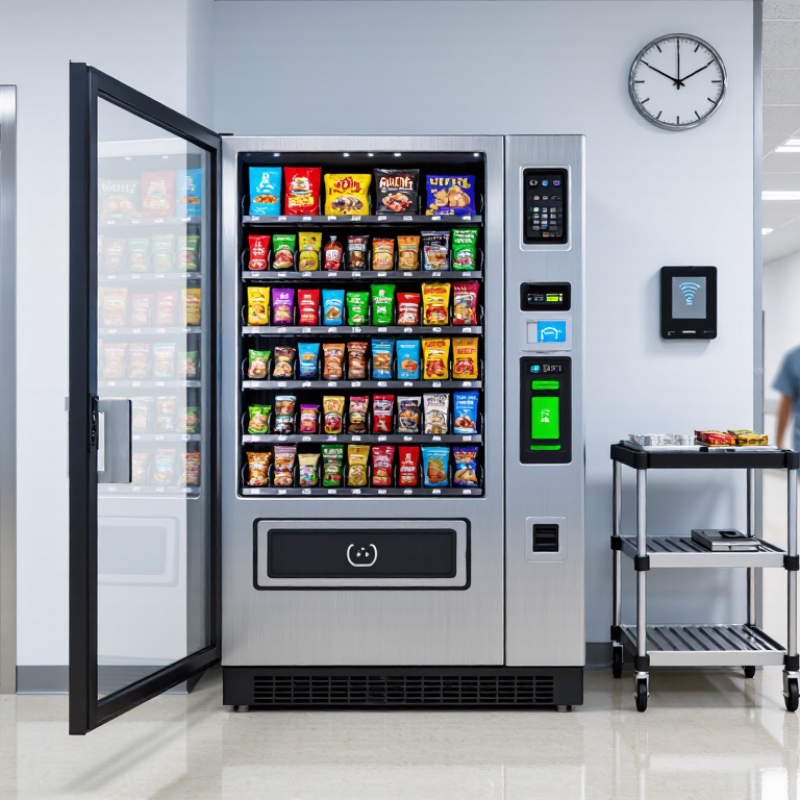
Before comparing machine features, map the location across a normal week. A lobby with steady morning arrivals needs different capacity from a gym busy after work. Note nearby power outlets, doorway width, lighting, and whether staff can restock without blocking a corridor. Count passersby during several time windows, not just one lunch break. One quiet Tuesday can mislead. Ask who will use the machine: employees, students, visitors, or people waiting for appointments. Their schedules, age range, and time on site affect product size, payment options, and screen readability. If users carry bags, a narrow pickup area may frustrate them. Small details matter.
Set one primary goal before selecting equipment. You may want to reduce queues, offer snacks overnight, or provide work supplies in a workshop. Define a practical measure, such as weekly transactions or fewer staff trips to a break room. Then check the site’s constraints: available floor space, network signal, temperature, and who handles refunds and restocking. A touchscreen is not automatically useful if customers need a quick purchase with one hand. Early sales estimates are guesses, and the first month may reveal different peak hours or product preferences. Review sales and stockouts after launch, then adjust the assortment and restocking schedule. Ask the person managing the machine to review the plan before installation.
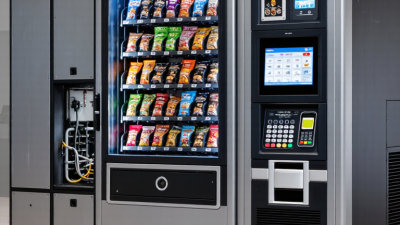
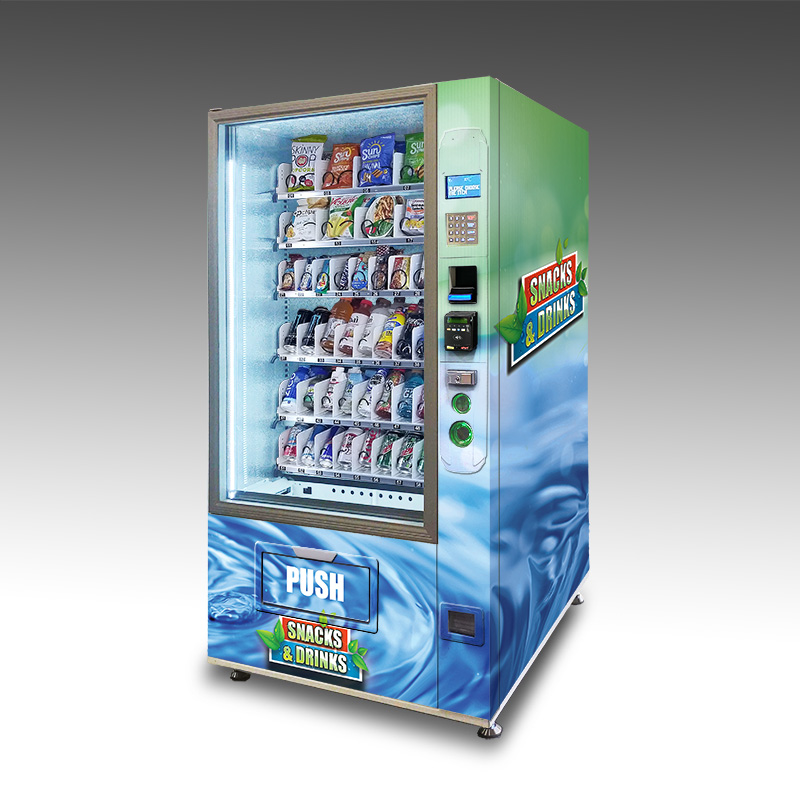
A smart vending machine should fit the products you plan to sell, not simply offer the largest capacity available. Measure packages, including their width, height, and depth, before choosing shelf spacing. A tall bottle may need more clearance than its label suggests, while snack packets can bend or slip through an oversized opening. Small details matter. Match each product’s weight and shape to a dispensing system that can release it without jams or damage.
Estimate daily demand by product, then leave enough room for popular items without filling every shelf with slow sellers. Forecasts are never perfect. Review sales after opening and adjust the mix; even a sensible first layout may need changes.
For chilled goods, check that the machine’s usable refrigerated space supports the planned assortment, rather than relying on total capacity alone. Design matters, too: clear product windows, readable prices, and a simple selection panel help customers find items quickly.
Make sure refill doors and shelves are easy for staff to reach in the actual location. A machine squeezed beside a wall may hold plenty, but routine restocking can become awkward. That trade-off is easy to miss.
When comparing smart vending machines, examine how customers can pay at the point of sale. A useful setup may accept contactless cards, mobile wallets, and chip cards, while clearly displaying any payment limits. Check whether payment processing continues during a brief network interruption, and ask how failed transactions are handled. Test the payment flow with a real purchase before installation. Small details matter.

Connectivity affects both daily operations and troubleshooting. Ask which network options are supported, how often sales and inventory data sync, and whether staff can receive alerts for outages or low stock. Confirm that access controls protect the dashboard and that software updates are explained in plain language. Smart features should solve a specific problem, not simply add screens. Temperature or door-open alerts can help operators respond sooner, but only if someone monitors them. It is easy to overvalue a polished dashboard; compare its figures with actual stock counts during a trial. Gaps in the data may reveal a weak connection or an inconsistent restocking routine.
A smart vending machine should protect both the product and the customer’s payment data. Check for encrypted transactions, individual staff logins, and time-stamped records of door openings or price changes. Ask who can review those logs, and how quickly suspicious activity triggers an alert. A camera can help, but it does not replace clear access controls. Small details matter.
Inventory tools should show more than a row of low-stock warnings. Look for item-level sales, remote stock counts, and alerts that can be adjusted for each location. Cantaloupe’s 2024 Micropayment Trends Report found that cashless payments generated 71% of vending sales in 2023. That shift makes payment and sales data useful for spotting fast-moving products and unusual drops. Still, remote counts can drift after a refill or jam. Test the system against a physical count before trusting every alert.
Maintenance support deserves the same scrutiny as software. Ask whether support is available after hours, how service calls are tracked, and what response times are promised in writing. Request a sample maintenance log, not just a polished dashboard. I would also ask operators about recurring failures at similar sites; vendors may not volunteer that detail. A machine that reports problems but waits days for repair is not truly smart.
| Tip | What to Compare | Questions and Evidence to Request | How to Judge the Fit |
|---|---|---|---|
| 1. Define the location and use case | Machine size, product types, expected traffic, power, network access, and indoor or outdoor placement. | Request the machine’s dimensions, site requirements, supported product formats, and any environmental limits. | Confirm the machine fits the space and can vend the products you plan to offer. |
| 2. Review payment security | Payment-terminal protections, data handling, software updates, and the provider’s role in payment processing. | Ask how card data is protected and which parties handle it. Verify applicable PCI DSS responsibilities with the payment provider. | Choose a clearly documented payment setup; do not rely on a general claim of “secure payments” alone. |
| 3. Check access controls | Individual user accounts, permission levels, password policies, and controls for operator or administrator access. | Request a demonstration of user roles and ask how access is removed when staff responsibilities change. | Prefer access that can be limited by role rather than a single shared account for all users. |
| 4. Ask about security monitoring | Event logs, alerts for unusual access, and any physical safeguards available for the machine and cash compartment. | Ask what events are recorded, who can review them, and how long records are retained. | Match monitoring and physical protection to the site’s risk, operating hours, and cash-handling needs. |
| 5. Verify inventory visibility | Remote stock levels, product-level sales data, low-stock alerts, and the frequency of data updates. | Request a live or sample dashboard and ask how stock readings are generated and corrected. | Check that the inventory view is detailed enough to plan replenishment for your products and locations. |
| 6. Test replenishment tools | Restock reports, route-planning exports, expiration tracking, and configurable alert thresholds. | Ask whether reports can be filtered by machine and product, and whether data can be exported for your workflow. | Look for tools that reduce unnecessary visits while helping prevent empty slots and expired stock. |
| 7. Confirm connectivity and offline behavior | Supported network options, connection status reporting, and what happens if the machine loses connectivity. | Ask which functions continue offline, how transactions are handled, and how the system reports a lost connection. | Ensure the connectivity options suit the site and that offline limitations are understood before installation. |

| 8. Compare maintenance support | Support hours, response process, service coverage, warranty terms, and availability of replacement parts. | Request written support terms and clarify who performs repairs, what is covered, and which costs are extra. | Compare the written service commitments with the hours and locations where the machine will operate. |
| 9. Evaluate diagnostics and repairs | Remote fault alerts, diagnostic detail, maintenance history, and the ability to identify common causes of failure. | Ask to see a sample fault report and how technicians use it to prepare for a service visit. | Prefer clear diagnostics that help operators decide whether a remote fix or an on-site visit is needed. |
| 10. Calculate total operating cost | Purchase or lease cost, payment fees, connectivity, software, maintenance, installation, and consumables. | Request an itemized quote and identify recurring charges, contract length, renewal terms, and cancellation conditions. | Compare the expected total cost over the same period and operating assumptions, not just the initial price. |
When comparing smart vending machines, look beyond the purchase price. Add payment processing, connectivity, software subscriptions, installation, and service calls to a three-year estimate. Ask whether replacement parts, refrigeration checks, and remote monitoring are included. A low quote can grow quickly. Small fees are easy to miss.
Reliability depends on the vendor as much as the machine. Request written response times, warranty exclusions, and procedures for urgent repairs. Ask how often technicians visit your area and whether common parts are stocked nearby. A practical check: speak with two current customers. Ask about downtime, not just sales support. A polished demo proves little, and service records can be hard to obtain.
Compliance varies by location and product type. Confirm local requirements for electrical safety, accessibility, food handling, labeling, taxes, and payment data before signing. Get responsibilities in writing: who maintains temperature logs, handles refunds, and updates required notices? Keep inspection records and dated maintenance notes. Do not assume software handles every obligation. Rules can change, so consult a qualified local authority or adviser when requirements are unclear.